A chatbot is not a magic wand, but used well it is one of the best investments you can make
Unpopular opinion: 80% of chatbots are useless. A poorly implemented chatbot is worse than no chatbot. It frustrates customers, damages your brand, and everyone ends up talking to a human anyway.
Then there is the other 20%. The chatbots that solve specific business problems, measurably reduce costs, and that customers actually enjoy using. This article is about how to be in that 20%.
The evolution of chatbots: from rule-based to LLMs
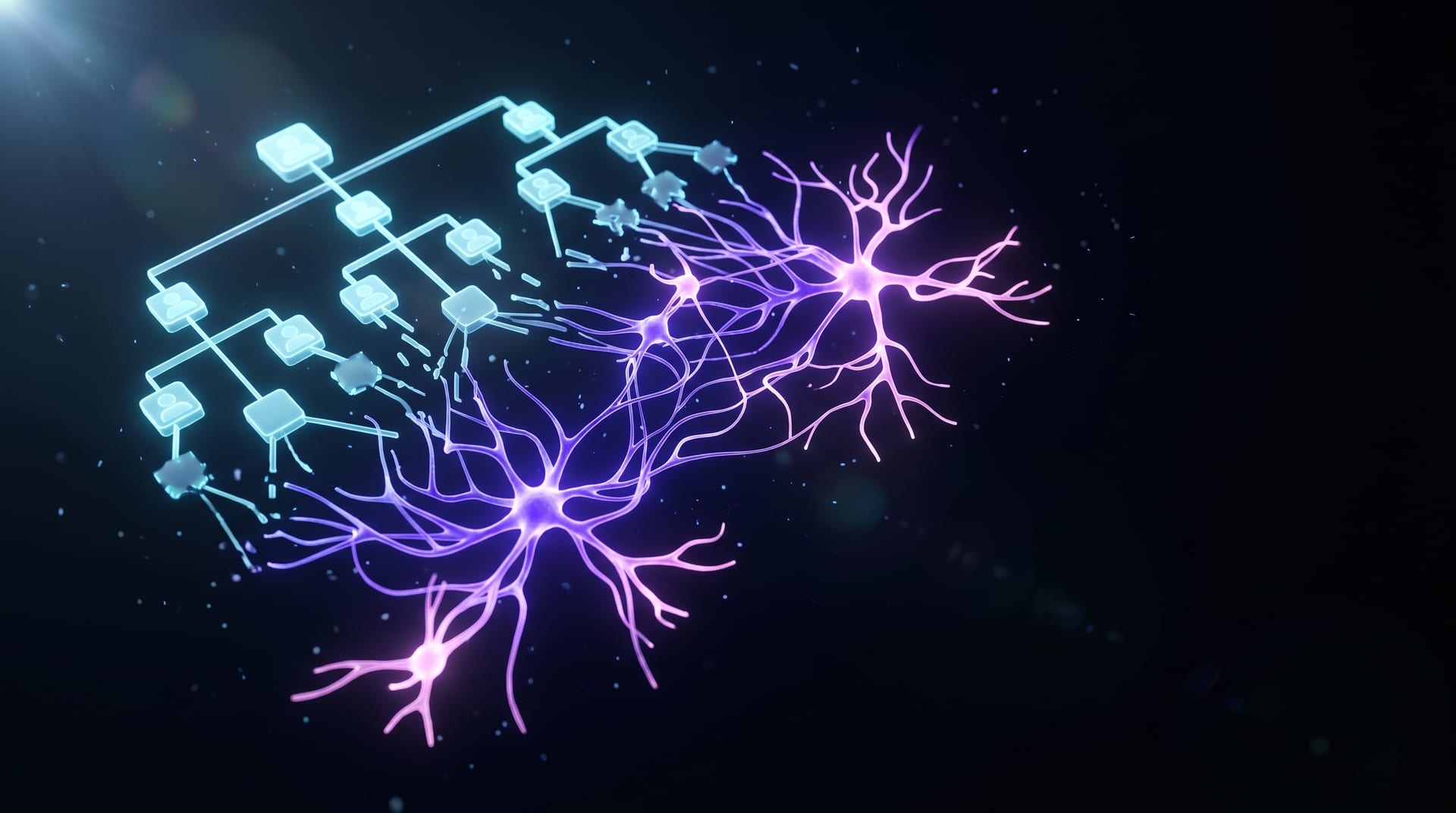
AI chatbots have gone through three generations, and the difference is not academic: it determines what you can actually achieve.
Generation 1: rule-based
The classic decision tree. "If the customer says X, respond with Y." Works for simple queries, breaks on anything unexpected. If you have ever hit "I don't understand your question, please choose from the options below", you know the frustration.
Generation 2: NLP-based
Intent recognition and entity extraction. Dialogflow, Rasa, LUIS. These tools understand intent, not just keywords. But knowledge is still capped at what you trained them on.
Generation 3: LLM-powered (2023-)
GPT-5.2, Claude Sonnet 5, Gemini 3 Pro and similar large language models fundamentally changed the game. These systems:
- Understand context: not just the current message but the full conversation thread.
- Communicate naturally, so you do not feel like you are talking to a machine.
- Use RAG (Retrieval-Augmented Generation) to answer from your data instead of hallucinating.
The critical difference: generation 2 needed everything pre-programmed. LLM-powered chatbots dynamically generate answers from your existing documentation, knowledge base and data.
What business problems do chatbots actually solve?
Do not ask "do I need a chatbot?" Ask what specific problem it would solve.
Customer support load reduction
The most obvious one, and the numbers speak. Klarna's AI assistant handled 2.3 million conversations in its first month, equivalent to 700 full-time agents. Average resolution time dropped from 11 minutes to under 2 minutes, while customer satisfaction matched human agents.
But: Klarna scaled back full automation in 2025 and by 2026 shifted to a hybrid model. AI handles simpler queries and pre-screening, humans handle complex cases and situations that critically affect satisfaction. The lesson: chatbots augment humans, they do not replace them.
24/7 availability
64% of customers cite round-the-clock availability as the biggest benefit of chatbots. International markets? This is not a luxury, it is a requirement. A well-configured chatbot answers at 2 AM with the same quality as at noon.
Lead qualification
The underrated use case. Instead of your sales team manually filtering 50 irrelevant inquiries per day, the chatbot asks qualification questions upfront, collects the data, and only forwards genuinely potential leads. 15-30% conversion rate improvement is realistic.
Internal knowledge base access
Not just for customer service. A RAG-powered internal chatbot accelerates new employee onboarding, HR queries, internal knowledge sharing. Instead of searching Confluence for 20 minutes, the chatbot finds the answer in 10 seconds.
Onboarding automation
New customer onboarding usually follows the same steps. A chatbot walks customers through setup, answers common questions, and only escalates when truly needed.
ROI: the hard numbers
A lot of BS floats around about chatbot ROI. Only sourced figures here:
| Metric | Average result | Source |
|---|---|---|
| ROI return | $3.50 per $1 invested | Freshworks, 2026 |
| Support cost reduction | 30% | Fullview, 2026 |
| Annual savings (enterprise) | $300,000+ | Freshworks, 2026 |
| First response time reduction | 6 hours to under 4 minutes | LiveChatAI, 2026 |
| Resolution time reduction | 32 hours to 32 minutes | LiveChatAI, 2026 |
| Repeat inquiry reduction | 25% | Klarna case study |
| Time to positive ROI | 8-14 months | AllAboutAI, 2026 |
Top-performing implementations reach 148-200% ROI and show measurable impact within 60-90 days.
$3.50
per $1 invested
Freshworks, 2026
30%
support cost reduction
Fullview, 2026
60-90 days
to measurable impact (top performers)
Implementation best practices
1. Start with your most common questions
Analyze your support tickets. 60-70% of inquiries answer to 20-30 recurring questions. Automate those first.
2. RAG architecture, not fine-tuning
Unless you are dealing with an extremely specific domain, RAG is the better approach. Vectorize your documentation, FAQ and internal knowledge base, and the chatbot generates answers from those sources. Benefits:
- It stays current: update your docs, the chatbot instantly uses the new version.
- It does not hallucinate: no relevant source, no answer (it says it does not know).
- It costs less, because there is no retraining on every update.
3. Smooth human handoff
The most important one. When the chatbot cannot help, the transition to a human must be smooth. The customer should never have to repeat their problem. The bot passes along full conversation history, customer data and query categorization.
4. Multilingual support
LLM-based chatbots natively support multiple languages. True multilingual support goes beyond translation: cultural context, local expressions, localized knowledge bases.
5. Integration with existing systems
A chatbot's value multiplies when it connects to your CRM (Salesforce, HubSpot), helpdesk (Zendesk, Freshdesk), ERP and internal databases. The Model Context Protocol (MCP) and Claude's native tool use let chatbots go beyond answering questions: they can act. Look up orders, update statuses, create tickets, all through native tool use.
When chatbots do NOT work
The honest part. A chatbot is not recommended when:
- The situation is emotionally sensitive: complaints, grievances, loss. These need human empathy.
- You have fewer than 100-200 representative Q&A pairs, so the chatbot adds no value.
- Every query is one-of-a-kind, so the chatbot cannot recognise patterns.
- Regulation constrains you: in healthcare or financial advisory a chatbot cannot replace a professional, and legal liability becomes a real issue.
- The underlying processes are chaotic. If your customer service does not work in an organised way, a chatbot will not save it. Fix the process first.
Common pitfalls
- Overpromising. Do not advertise an "AI-powered problem solver" if there is a glorified FAQ bot behind it. Customers figure it out fast.
- No escape route. If the customer has no way to reach a human, frustration is guaranteed. Always have a clear "I want to speak to a person" option.
- Not measuring results. No KPIs, no idea if it is working. At minimum: deflection rate, CSAT, first response time, resolution rate, escalation rate.
- Set-and-forget mentality. A chatbot is not configure-once-and-walk-away. Review failed conversations weekly, update the knowledge base, fine-tune responses.
- Ignoring edge cases. Customers are creative. They will ask questions you did not anticipate. Have a plan for what the chatbot does when it cannot answer.
Your action plan
If you are planning a chatbot, here is the step-by-step:
- Audit your support tickets and identify the top 30 recurring questions.
- Define the KPIs you want to move: cost reduction, faster response time, higher CSAT?
- Choose the architecture. RAG-based for most cases.
- Integrate with existing systems (CRM, helpdesk, knowledge base).
- Test in a closed group with real customers and real questions.
- Iterate. The first version will not be perfect, and that is fine.
- Measure and optimize continuously.
A chatbot is a tool. Point it at the right problem, keep the expectations realistic, and the numbers follow.
Key takeaways
Need help designing and shipping an AI chatbot? The AppForge team has hands-on experience with LLM-powered solutions from concept to production. Book a free 30-minute consultation.